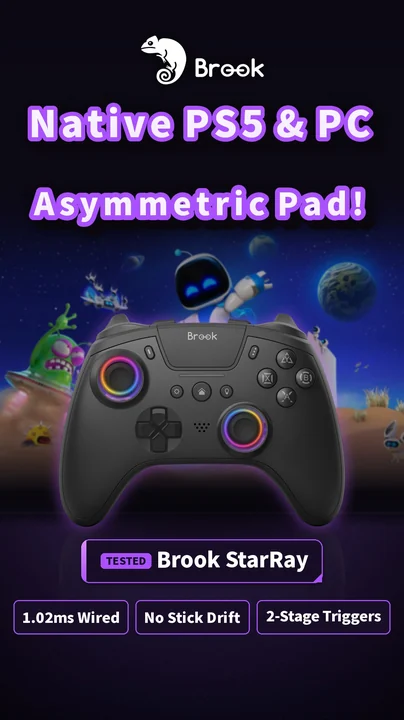
What's the difference?
Long travel is a regular linear trigger: the deeper you press, the bigger the value the game reads, so you can feather it. Short travel works like a mouse click: a light press fires and releasing stops, so shooting feels faster. On the StarRay it's about 15 mm versus about 0.3 mm, a very clear difference.
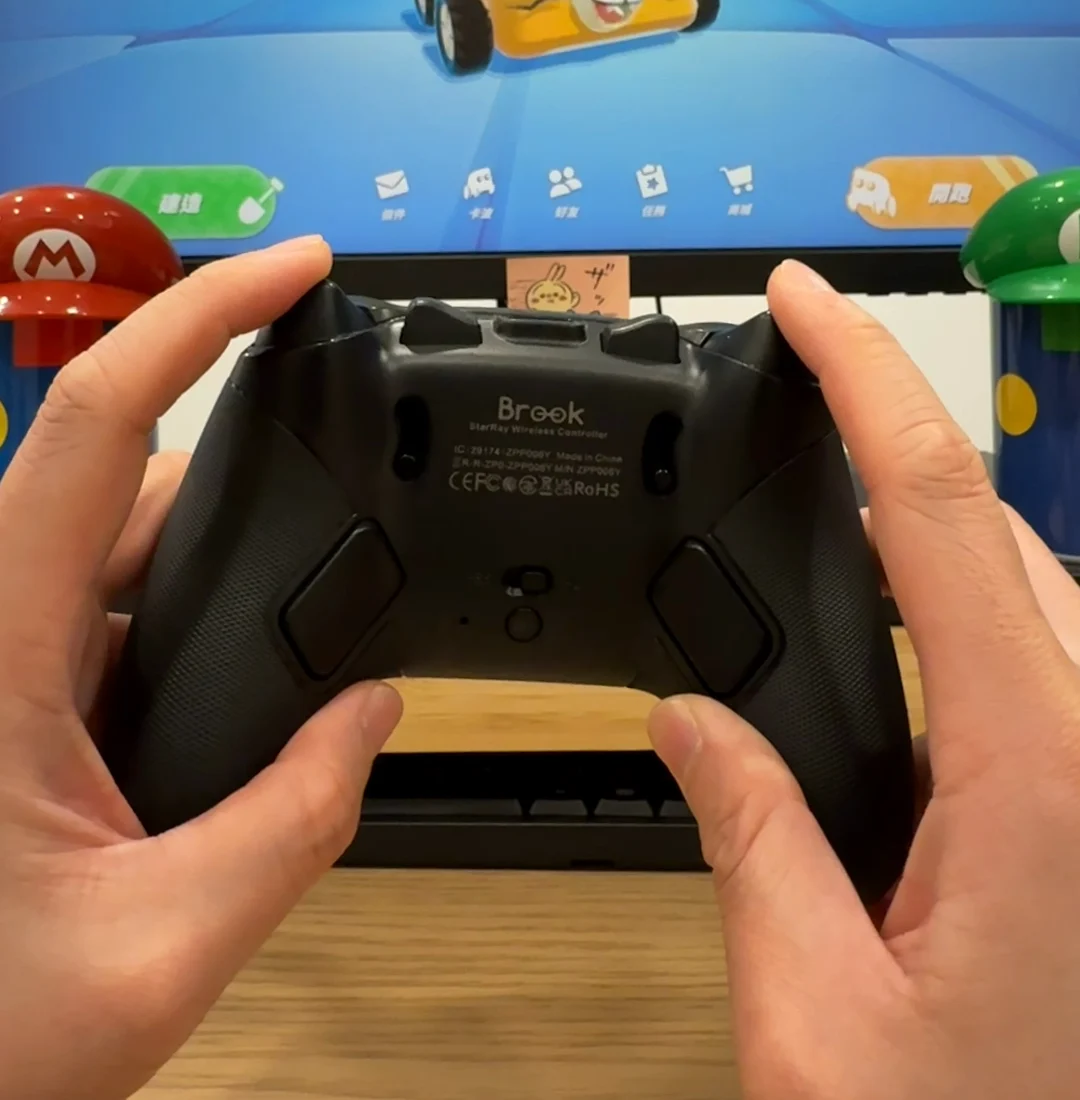
Switching the StarRay's two-stage triggers
- Find the switches on the upper back of the controller (one per trigger)
- Flip the switch to toggle between long travel (linear, about 15 mm) and short travel (about 0.3 mm)
- Press the trigger to check: long has noticeable travel, short fires on a light press
- Each trigger has its own switch, so you can set them separately
- Try it in game right away; no PC or app needed

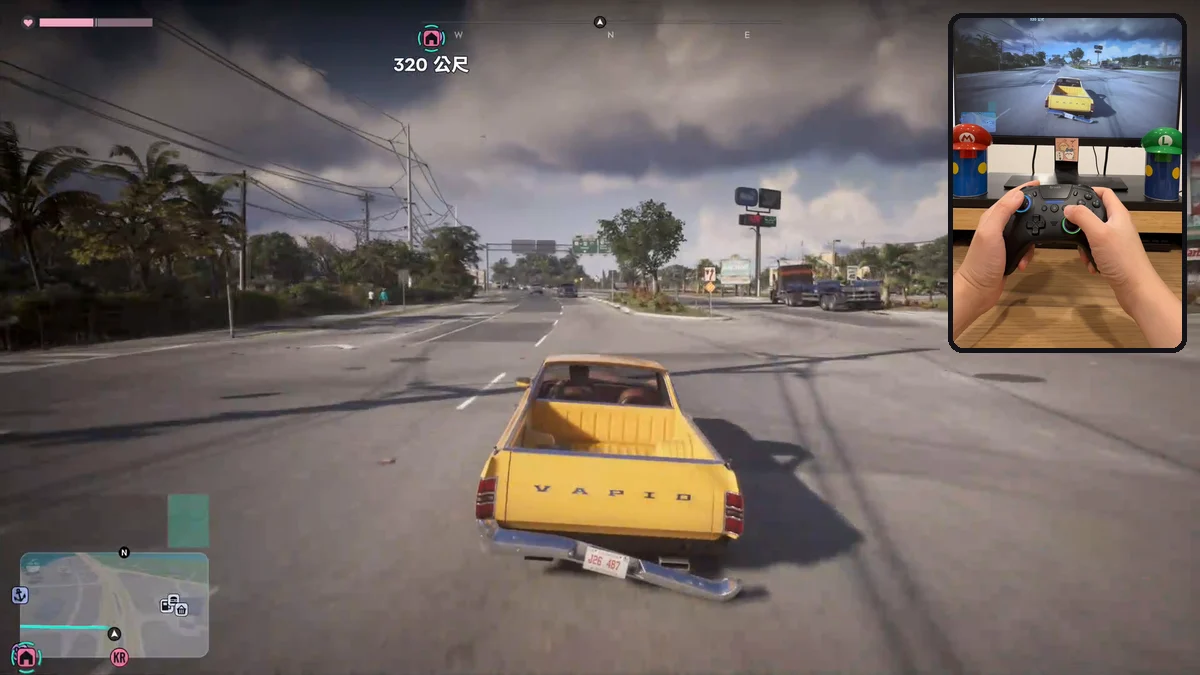
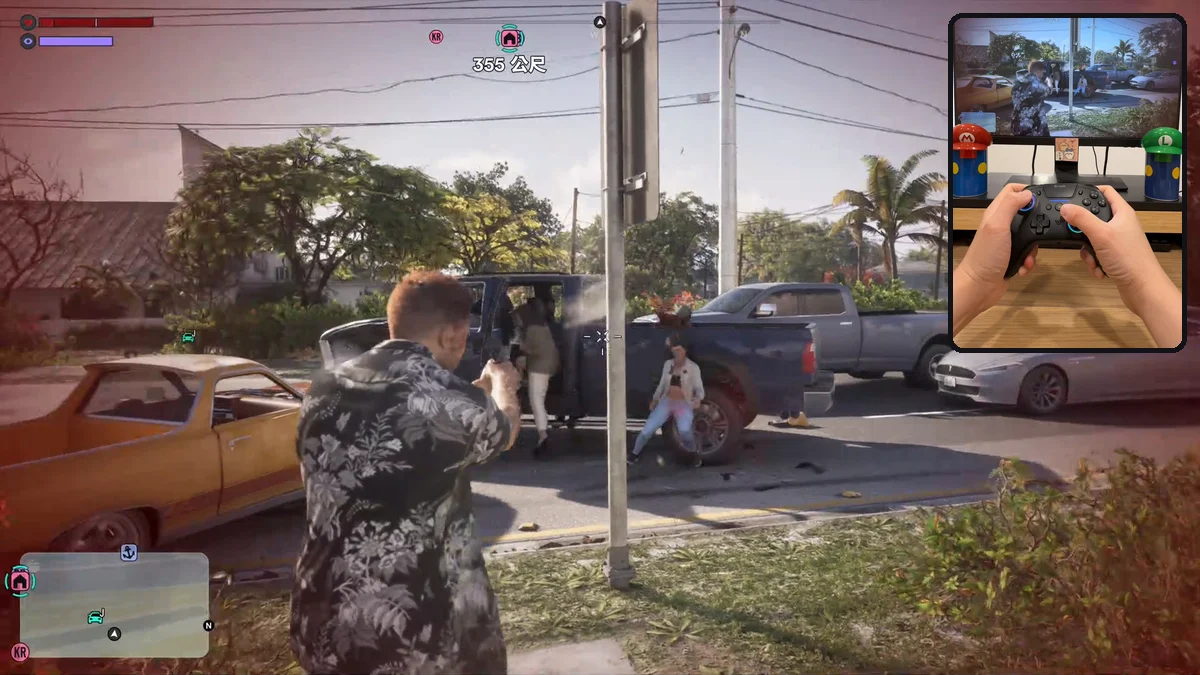
In GTA6 I drive on long travel and flip to short the moment a gunfight starts. One flick and it's done, no pausing.
Two-stage trigger controllers I've tested
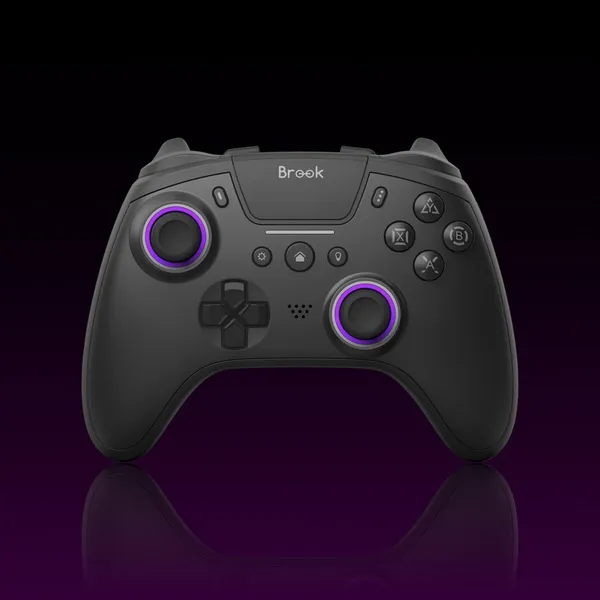
Long (linear) about 15 mm / short about 0.3 mm, switched on the back. Native PS5 support, 1.02 ms wired polling latency on PC.
Full review →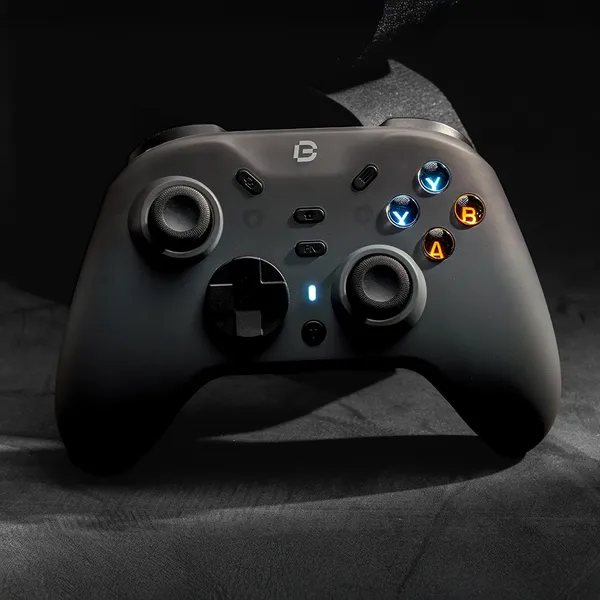
Switches between long linear travel and very short travel. Linear for the bow in Monster Hunter Wilds; short for Pokémon Pokopia and shooters.
Full review →GTA6: long for driving, short for shooting
Driving on long travel gives the trigger some weight, so you can ease onto the throttle like a real car. As soon as a gunfight starts, flip to short travel and a light press fires, much quicker.
Monster Hunter Wilds: long for the bow, short for bowguns
Drawing the bow means charging, which is easier to control on long travel: charge as far as you press. Switch to a bowgun or another ranged weapon and flip to short travel for a crisp trigger.
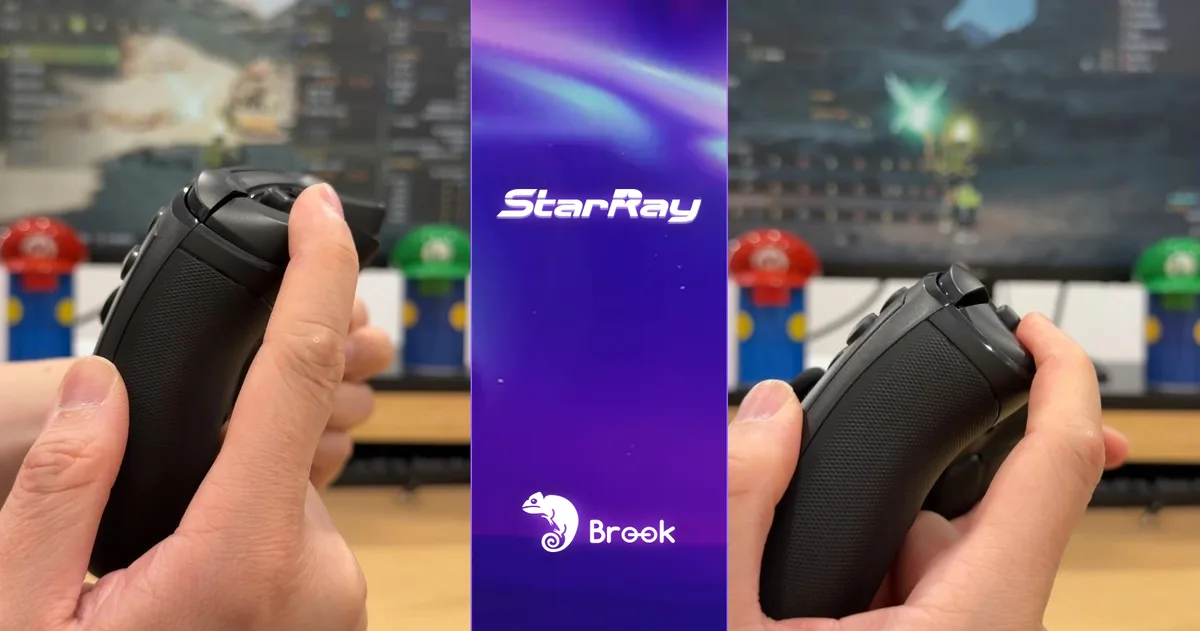

Short travel only sends press and release. For anything that needs fine control, like easing the throttle in a racing game, switch back to long travel.
FAQ
What are two-stage triggers?
Triggers whose travel you can switch: long is a regular linear trigger, short fires on a light press.
Which games suit short travel?
Shooters and anything that needs fast trigger presses, like GTA6 gunfights or bowguns in Monster Hunter Wilds.
Which games suit long travel?
Games where you control pressure, like a throttle or charging a bow.
How do I switch on the StarRay?
Flip the switch on the upper back (one per trigger) to toggle between long travel (about 15 mm) and short (about 0.3 mm). No PC or app needed.
Related guides

Watch the Shorts test