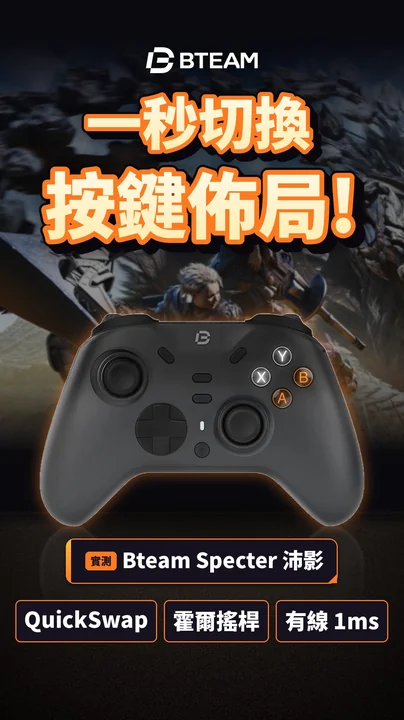
Why do sticks drift?
A regular stick has a potentiometer inside: when you move it, a metal wiper slides over a carbon track and the change in resistance tells the controller how far you pushed. That wiper rubs every day, so over time the track wears and collects dust, and the readings start jumping around. You're not touching the stick, but the game thinks you are. That's drift.
How do Hall-effect sticks fix it?
A Hall-effect stick puts a magnet under the stick and uses a Hall sensor to read the change in the magnetic field. The sensing part never touches anything, so nothing wears and it doesn't start drifting from friction. That's why the controllers I've tested recently, like the Bteam Specter, MobiBlades 2, TPAX and Brook StarRay, all list Hall-effect sticks as a key feature. Even the budget TPAX has them.
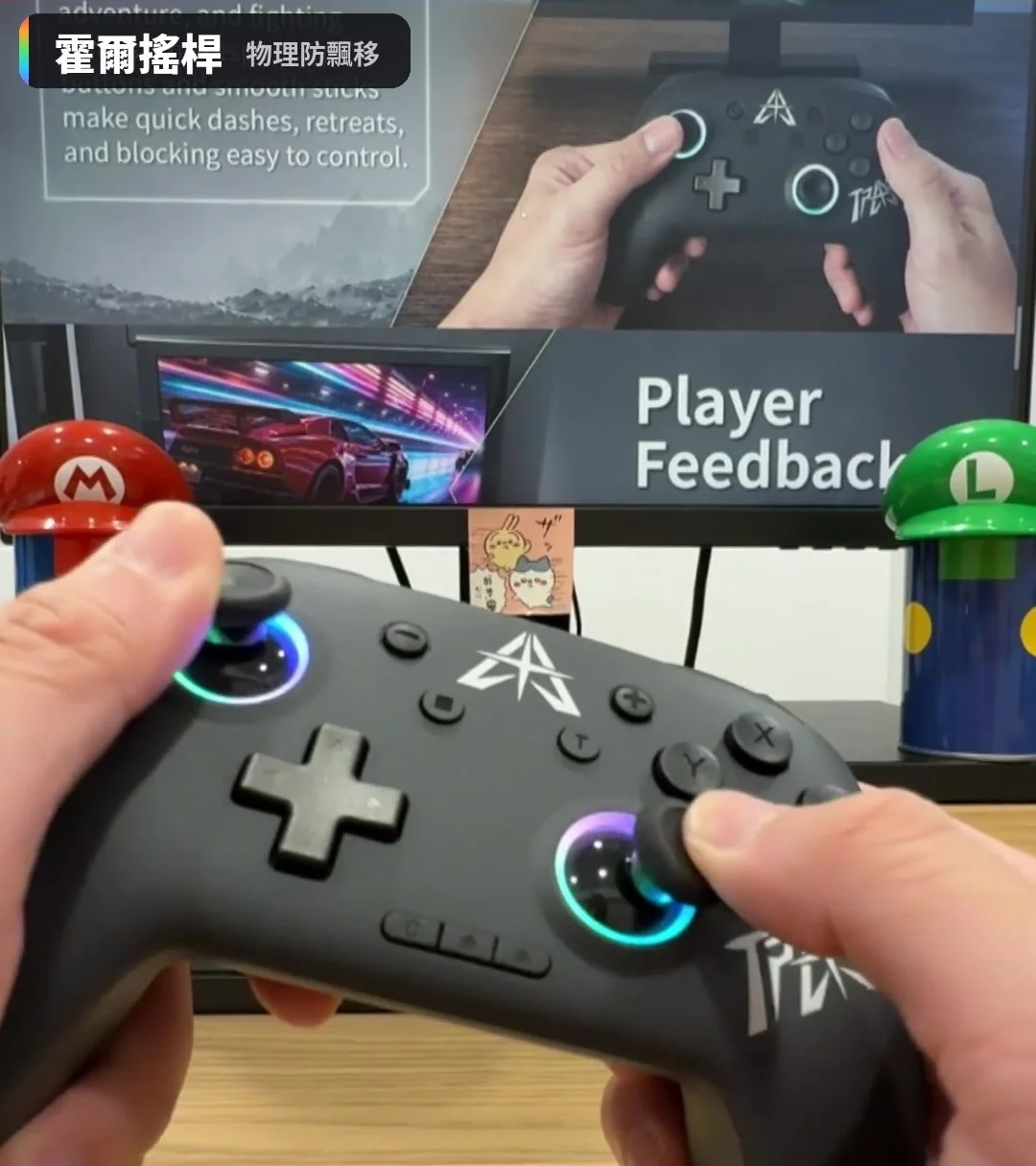
How to check a controller for drift (PC)
- Connect the controller to your PC with a USB cable
- Open an online gamepad tester and press any button so the page detects the controller
- Let go of both sticks and check that the values sit near 0 without jumping
- Rotate each stick in a full circle and let go, and check it returns to center every time
- If the values don't return to 0, calibrate the sticks in the console or controller app, or raise the deadzone slightly


Hall-effect sticks still need calibrating! When you get a new controller or switch consoles, run a calibration first. Consoles have stick calibration in their settings; on PC, use the controller's app or Windows controller settings.
When Hall-effect sticks can still "drift"
The sensor is fine, but the center point isn't set, so it doesn't read 0 at rest. Recalibrate.
Some controllers use a very small deadzone for sensitivity, so tiny errors read as movement. A slightly larger deadzone fixes it.
Hall-effect solves wear in reading position, but the stick's spring and pivot still age, and poor centering can still nudge your character.
Hall sensors work with magnetic fields, so magnetic phone accessories or mounts very close by could in theory affect readings. If something feels off, move them away and test.
My take after testing
With the Hall-effect controllers I've tested, playing Monster Hunter and Mario Kart World, the sticks feel about the same as regular ones, so there's nothing to get used to. The real difference is durability: regular sticks often start drifting after a while, so the benefit of Hall-effect grows the longer you use the controller.
What about TMR sticks?
You'll also start seeing TMR sticks. They also read position magnetically without contact, and are marketed as more power-efficient and precise. For drift, Hall-effect and TMR are both in the no-friction-wear category.

"Hall-effect means it never drifts" is a common misunderstanding. It solves the most common cause, wear, but calibration, deadzone and aging parts still matter. Check that both sticks are Hall-effect (some controllers only use Hall-effect triggers) and read the warranty terms.
FAQ
Do Hall-effect sticks feel worse?
The ones I've tested feel about the same as regular sticks and move smoothly; no adjustment needed.
My stick already drifts. What now?
Calibrate and clean around the stick first. If it's a worn potentiometer stick, calibration usually helps only for a while; send it in for repair if it's under warranty.
Can I swap Hall-effect sticks into an old controller?
Some popular controllers have third-party Hall-effect modules, but you usually have to open it up or even solder, which affects the warranty. Not recommended if you're not experienced.
Are Hall-effect triggers the same thing?
Same principle, magnetic sensing. Hall-effect triggers allow finer analog control, like the MobiBlades 2's 255-step Hall-effect linear triggers.
Watch the Shorts test