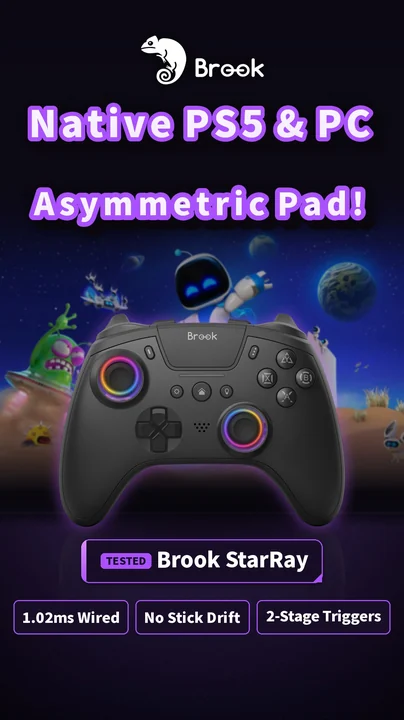
Three ways to connect a controller to Switch 2
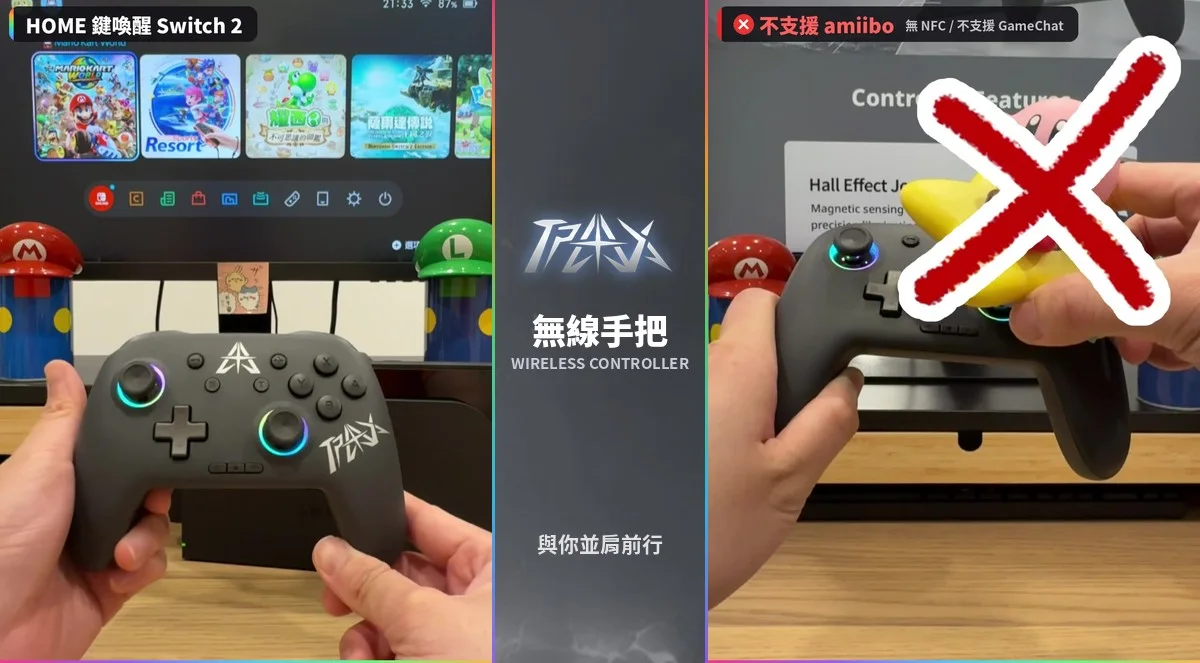
1) Bluetooth: the controller supports Switch natively and only needs to be paired once, like the TPAX Wireless Controller or the Bteam Specter. 2) Adapter: the controller doesn't support Switch, like a PS5 or Xbox pad, so a Brook Wingman or X One SE2 translates it. 3) USB wired: plug straight into the dock's USB port, like the StarBurst leverless controller. Options 2 and 3 both use USB, so turn on the setting below first.
Step 1: turn on Pro Controller Wired Communication
- From the Switch 2 HOME Menu, open System Settings
- Select Controllers & Accessories (on the original Switch it's Controllers and Sensors)
- Turn on Pro Controller Wired Communication
- Plug the adapter or controller into a USB port on the dock
- If it still isn't detected, restart the console and try another USB port
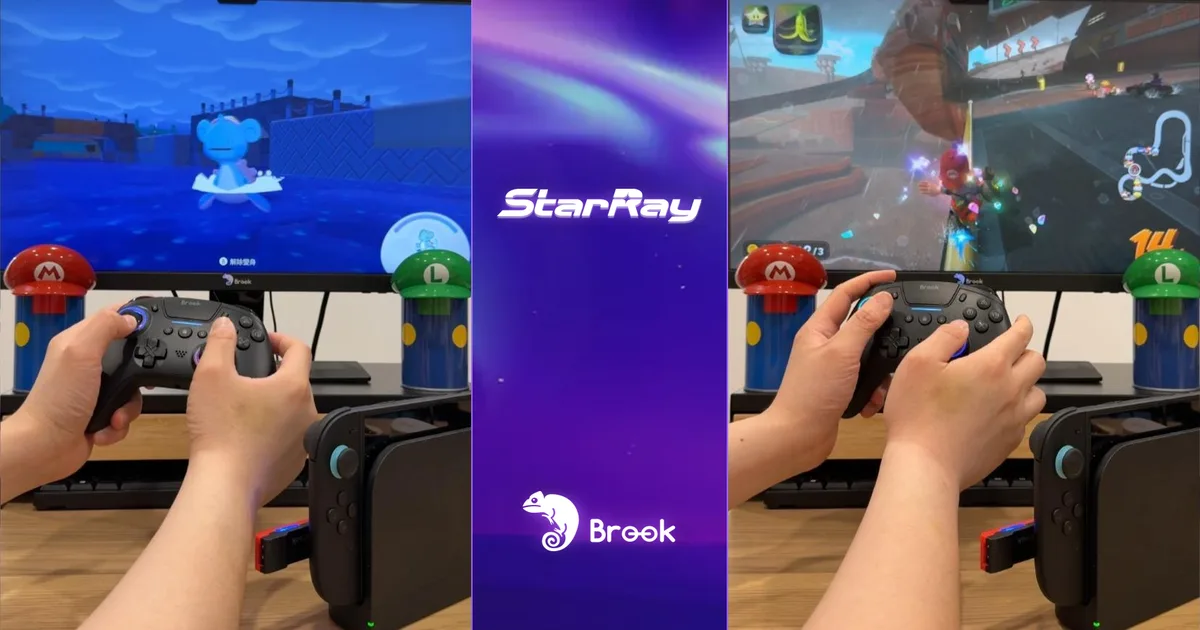

Brook's own Switch 2 guide lists the same step: turn on Pro Controller Wired Communication, and if the device isn't recognized, restart and try another USB port. You only need to do this once.
How each controller I tested connects
Open the console's controller pairing screen and press the controller's pairing button. Pair once; after that, the HOME button wakes the Switch 2. No NFC, so no amiibo, and no GameChat support.
Supports USB-C, Bluetooth and a 2.4 GHz dongle, and officially supports Switch 2. The QuickSwap switch under the top cover changes ABXY to the Switch layout.
The StarRay is a PS5/PC controller. On NS2, pair it with a Wingman NS Lite (Wingman P5s and XE2 also work). Turn on Pro Controller Wired Communication, register it once by cable, and afterwards just wake it to play wirelessly. Mario Kart World and Pokémon Pokopia both ran smoothly in my test.
Attach it to the bottom of an Xbox controller, set the side switch to NS, pair once with a USB cable, and then press the Xbox button to play wirelessly, with motion controls.
Native NS2 support, no adapter needed. Plug the USB cable into the dock and play. Pro Controller Wired Communication still needs to be on.
What is the Wingman NS Lite?
The Brook Wingman NS Lite is an adapter that plugs into a Switch. Brook lists support for more than 150 controllers on Switch, Switch 2 and PC. Once it's in the console's USB port, a slowly blinking blue LED means it's connected. If you already own a PS5, Xbox or PC controller, you don't need to buy a new one for Switch 2.
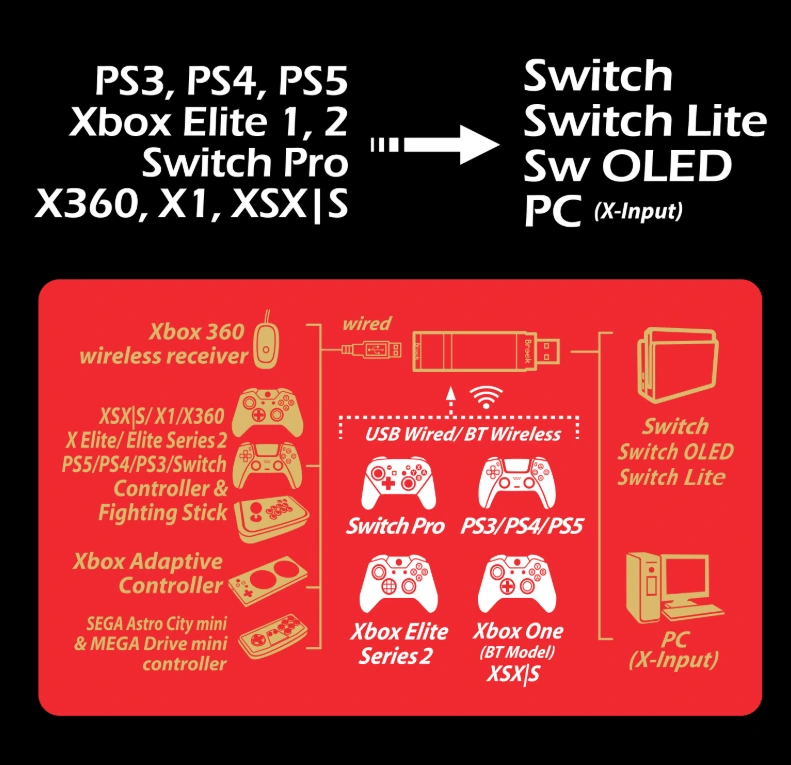
Bluetooth, adapter or wired: which should you choose?
Switch 2 only and on a budget: buy a Bluetooth controller that supports Switch, like the TPAX. Already own a PS5 or Xbox controller: an adapter is cheapest, a Wingman for PS5 pads or the X One SE2 for Xbox pads. Fighting game tournaments or maximum stability: go USB wired, like the StarBurst.

Nintendo notes that with Pro Controller Wired Communication on, an original Switch Pro Controller connected by USB has its NFC disabled, so turn it off when you need to scan amiibo (the Switch 2 Pro Controller keeps NFC when wired). Third-party controllers generally don't support GameChat. Menu names may differ slightly by system language or version.
FAQ
Can I use a PS5 controller on Switch 2?
Not directly; you need an adapter. I tested the StarRay through a Brook Wingman NS Lite, and the Wingman P5s and XE2 also support NS2.
Can I use an Xbox controller on Switch 2?
Yes, with the Brook X One SE2. Attach it, set the switch to NS, pair once by cable and then play wirelessly.
Where is Pro Controller Wired Communication?
On Switch 2: System Settings > Controllers & Accessories > Pro Controller Wired Communication. On the original Switch it's under Controllers and Sensors.
It's on but my controller still isn't detected
Restart the console and try another USB port. Updating the adapter to the latest firmware is also recommended.
Can third-party controllers scan amiibo?
Only if they have NFC. The TPAX, for example, has no NFC and doesn't support amiibo.
Related guides
Watch the Shorts test