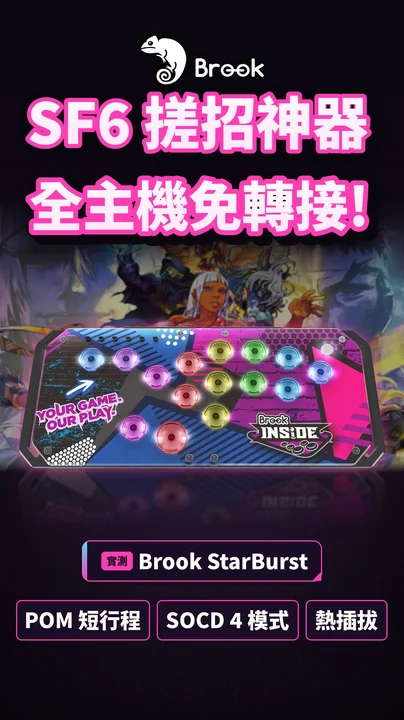
What exactly is SOCD?
SOCD stands for Simultaneous Opposing Cardinal Directions. A traditional lever can't be pushed left and right at the same time, but on a leverless controller every direction is a button, so your left hand can hold left and right, or up and down, together. The SOCD setting decides what signal gets sent to the game.
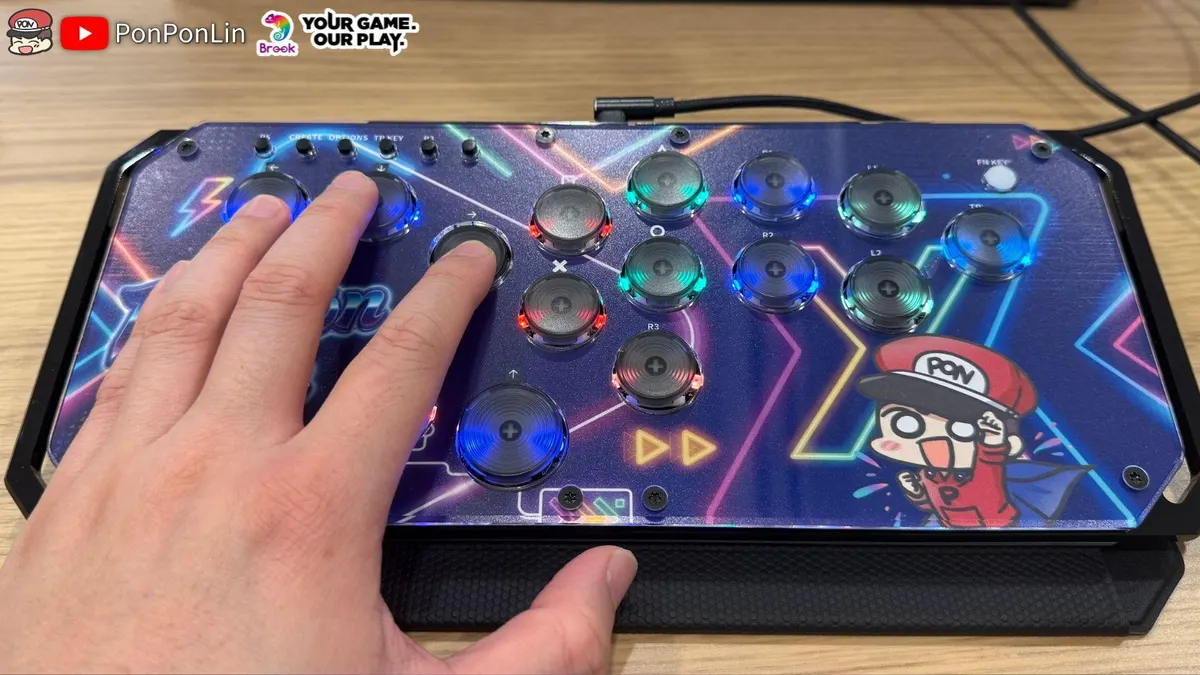
Why do fighting game tournaments regulate it?
Because the resolution method changes how the game plays. With last-input priority, for example, holding back and then pressing forward instantly walks you forward, and releasing forward instantly returns to back. Switching between blocking, charging and dashing becomes much faster than on a lever. Capcom decided this goes beyond what a normal lever can do, so the Capcom Pro Tour for Street Fighter 6 requires that up+down must not jump or crouch, and left+right must not walk forward or back. In effect the two directions cancel out to neutral.
How to switch the StarBurst to the Capcom-legal mode
- Unplug the StarBurst's USB cable
- Hold the Up button
- While holding it, plug the cable back into the console or PC (PS5, Xbox, NS2 and PC all work the same way)
- It is now in Mode 2, CAPCOM / Neutral, and the setting is saved automatically
- In Street Fighter 6 training mode, press left+right and up+down; if your character stays still, you're set

The StarBurst ships in Mode 1, Up Priority: left+right is neutral, but up+down becomes up (a jump), which isn't allowed under Capcom's rules. Switch to Mode 2 before a Capcom event.
The StarBurst's four SOCD modes
Left+right = neutral; up+down = up. Switch: hold Left while plugging in.
Left+right = neutral; up+down = neutral. Meets Capcom tournament rules. Switch: hold Up while plugging in.
The most recently pressed direction wins on both axes. Switch: hold Down while plugging in.
Opposite directions are passed to the game unchanged; the result depends on the game and console. Switch: hold Right while plugging in.
My test in Street Fighter 6
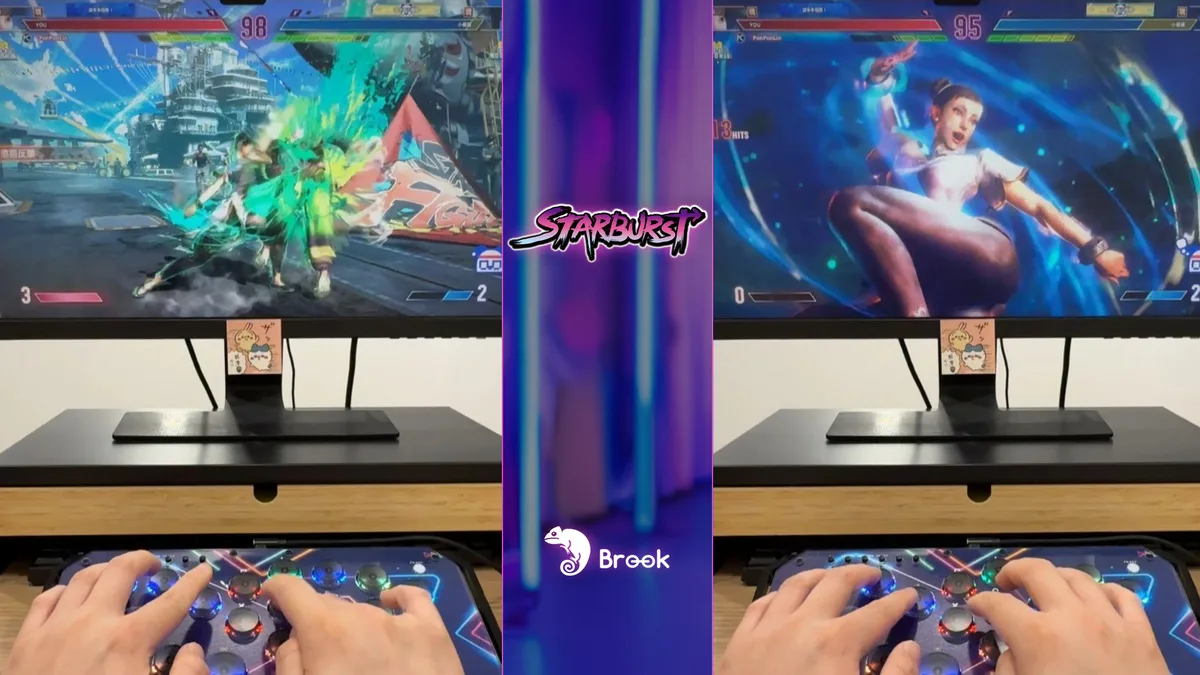
With the StarBurst in CAPCOM mode, pressing left+right in Street Fighter 6 leaves my character standing still, and up+down doesn't jump, exactly as the rule requires. Drive Rush and punishes still came out reliably, so the mode doesn't make the game harder to play. For practice or other games the default mode is fine; just make sure you switch before a tournament.
Rules can differ between events
Evo's rules also forbid passing opposite directions straight to the game, so BYPASS isn't allowed. Neutral, first-input priority and last-input priority are generally accepted unless the game's official pro tour says otherwise. For Street Fighter 6, follow Capcom's rule; for other games, check each event's rules.

Tournament rules can change every year; this is what I found while writing. Always follow the event announcement and the latest official rules, and ask a judge on site if you're unsure.
FAQ
Does SOCD matter for pads or regular sticks?
A lever or a pad's D-pad can hardly press opposite directions at once, so the rule mainly targets leverless (Hitbox-style) controllers.
Will the StarBurst forget its SOCD setting?
No. Brook says the mode is saved automatically.
Do different games need different modes?
Possibly. Use CAPCOM mode for Street Fighter 6 events and check each event's rules for other games. For casual play, use whatever you're comfortable with.
When would I use BYPASS?
BYPASS does no cleaning and leaves it to the game. It's for letting the game handle opposite directions itself, but tournaments usually don't allow it.
Watch the Shorts test