
Which Xbox controllers are supported?
The X One SE2 supports the Xbox Wireless Controller (USB-C version), Elite Series 2 and Elite Series 2 Core. It attaches to the bottom of the controller and needs no PC or software. The side switch sets the mode: PS for PS5, NS for Switch 2, and the middle position turns it off for Xbox consoles and PC.
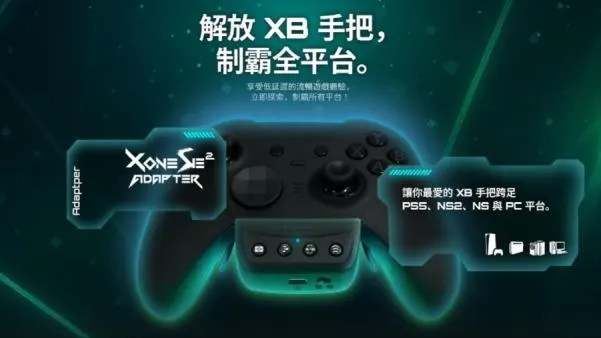
Connecting an Xbox controller to PS5
- Plug the X One SE2 into the port on the bottom of the Xbox controller
- Connect the included cable: Micro-USB into the adapter, USB-C into the controller's top port, and press the cable flat
- Set the adapter's side switch to PS
- The first time, connect to the PS5 with a USB cable to register, then unplug
- Press the Xbox button to wake the controller and play wirelessly
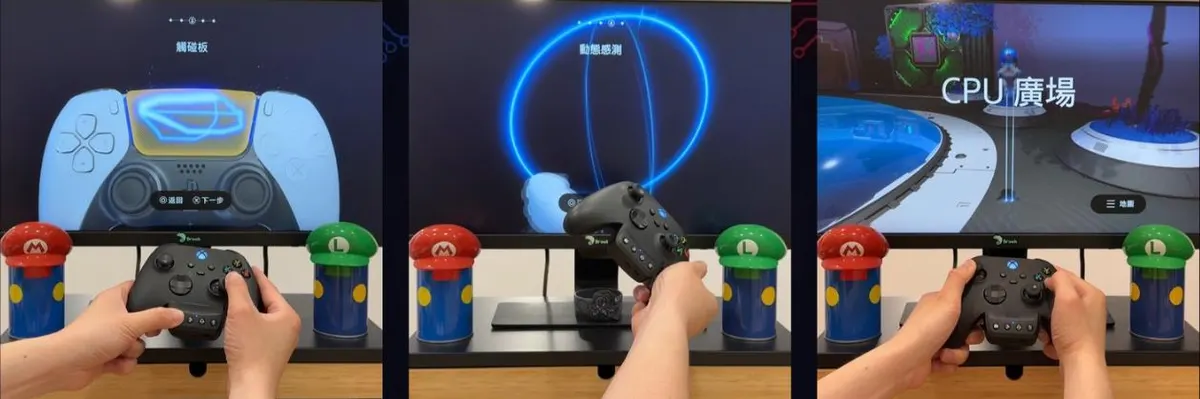

After registering once, just press the Xbox button to wake the controller; no cable needed. To play Switch 2, set the switch to NS and pair once by cable the same way.
What the X One SE2 can do on PS5
Some PS5 games need the touchpad, so the X One SE2 emulates it with physical buttons and combos. Swipe mechanics in Astro Bot worked in my test.
Press the Turbo setup button plus the button you want; the controller vibrates once when it's set. Repeat to cancel; hold Turbo for 2 seconds to clear all.
Press the lock / wireless pairing button plus the button you want held; it vibrates once when set. Great for grinding.
Press the Remap setup button plus the button to change; when the LED turns off, press the button(s) to assign. It vibrates and the LED lights up when done. Hold Remap for 2 seconds to clear all.
Vibration can be set to 30%, 100% or 200%.
Why not just buy a PS5 controller?
If you already have an Xbox controller you love, especially an Elite Series 2 with paddles, buying a PS5 pad means spending more and getting used to a new feel. The X One SE2 is NT$1,790 (≈ US$55), and one adapter lets the same controller play both PS5 and Switch 2.

In the middle (off) position, touchpad emulation, motion, remapping, turbo and hold all stop working. Firmware updates use the Brook Converter Center software; update to the latest version if you hit compatibility issues.
FAQ
Can an Xbox controller connect to PS5 directly?
No. PS5 doesn't support Xbox controllers on its own; you need an adapter like the X One SE2.
Do the Elite Series 2 paddles work?
Yes, and turbo and hold can be set on all four paddles.
Can I play wirelessly?
Yes, after registering once by cable.
Can one controller play both PS5 and Switch 2?
Yes. Switch between PS and NS and register once by cable for each.
Related guides

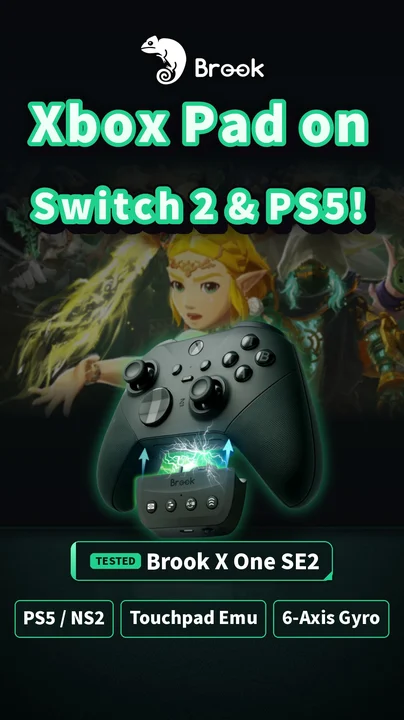
Watch the Shorts test
* Prices may change with promotions and stock. US$ figures are rough conversions from Taiwan prices (NT$1 ≈ US$0.0305) for reference only; prices in your country may differ depending on local stores and exchange rates.
