
Controllers for Pokémon Pokopia: What Works, Tested
Platform:Switch 2 (NS2)
Early Pokémon Pokopia is a lot of breaking rocks, chopping trees and gathering, pressing the same button over and over. Controllers with turbo or a hold function make it much easier. These are the ones I've played it with on Switch 2.
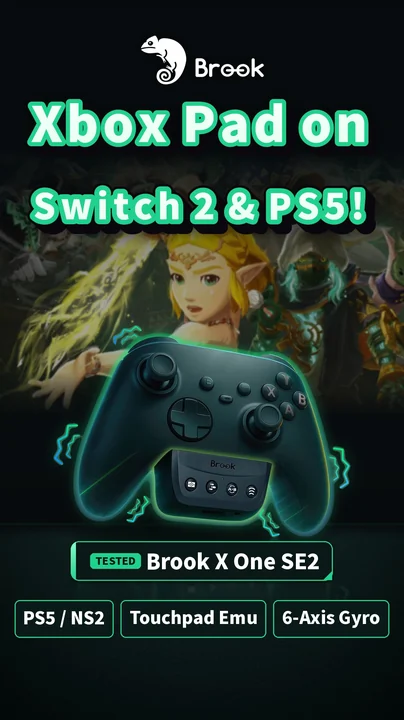
Brook X One SE2
The hold function is the highlight: turn it on and one press holds, which saves your thumb when breaking rocks and chopping trees.
Read the full review →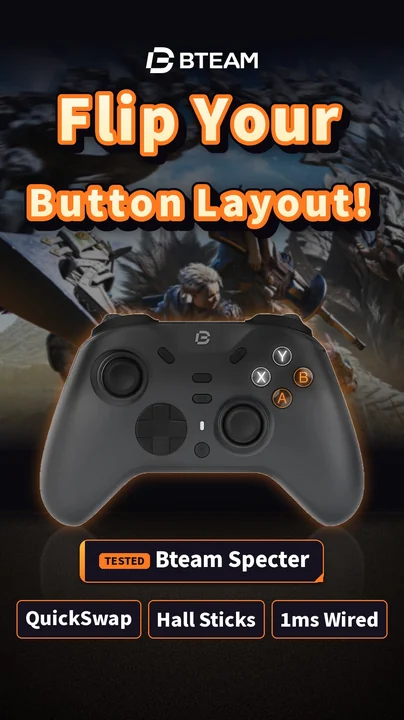
Bteam Specter
Turbo and macros on the M1 / M2 back buttons are great for breaking rocks and farming materials, and the short trigger mode makes presses faster.
Read the full review →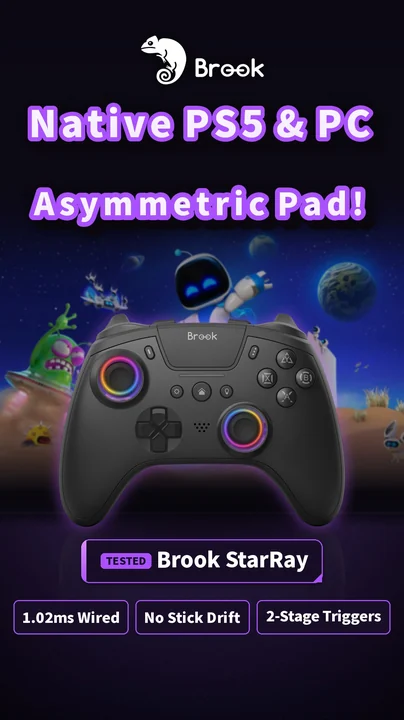
Brook StarRay
With the Wingman NS Lite it ran smoothly on Switch 2, and M1–M4 back-button macros are set on the controller, no PC needed.
Read the full review →FAQ
Pressing the same button in Pokopia is tiring. Any controller tips?
Pick one with turbo or a hold function. My favorites are the X One SE2's hold function and the Bteam Specter's back-button turbo.