
Controllers for Awaking Beauty: What Works, Tested
Platform:PC (Steam)

Awaking Beauty is an action roguelite beat 'em up by YOHCAN: you play high school girls piloting Dream Mechas, fire up the Dream Flash Turbine and combine, solo or with a friend. Steam lists full controller support and there's a demo; you can also play it at G-EIGHT 2026, booth CC-07, Dec 4–6. I played through to a boss fight on a Brook StarRay, and here's how it went.
Mashing Y in the boss fight: mechanical buttons help
When you reach the boss, a Y prompt asks you to mash. The StarRay's mechanical buttons have a short 0.7 mm travel with crisp feedback, so mashing takes little effort and your fingers don't tire as fast.
Switching characters solo
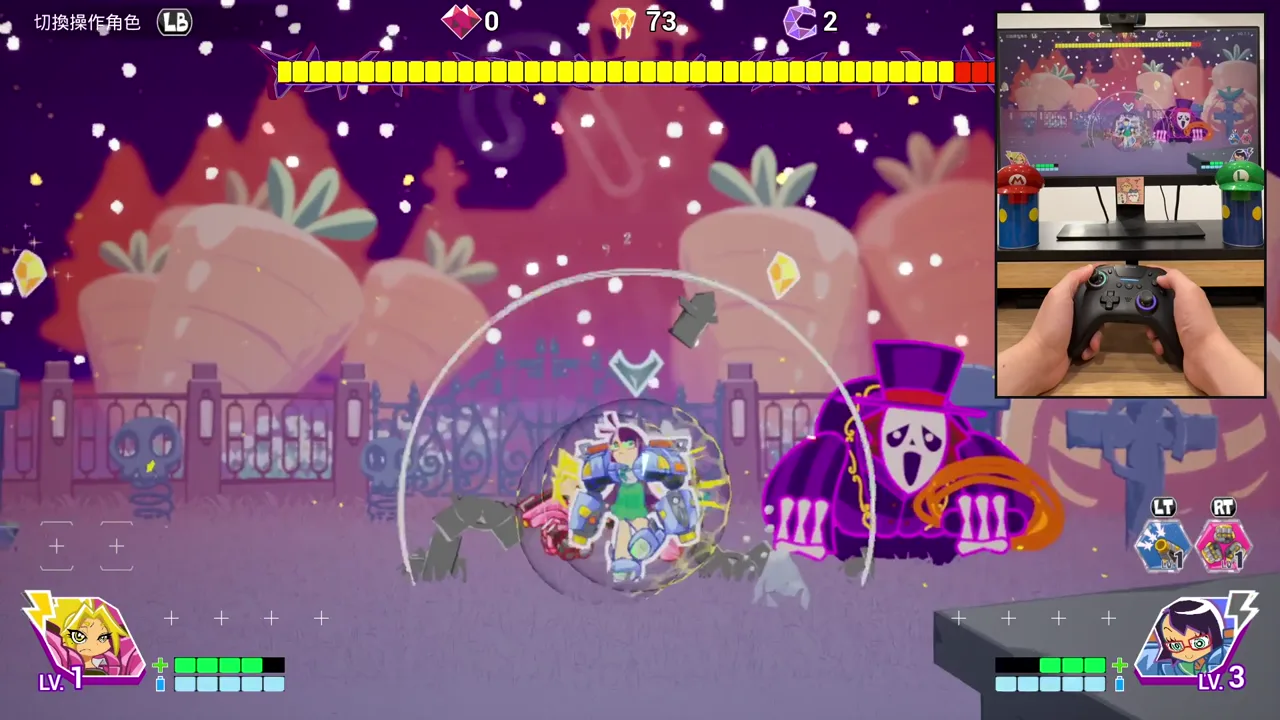
Awaking Beauty plays solo or with a friend. Solo, you can switch characters any time mid-fight with LB (shown top left), and a full gauge unleashes a unique skill.
Connecting and where to try it
The Steam version is on Windows with full controller support, including DualSense and DualShock. The StarRay works on PC wired or over Bluetooth. There's a Steam demo, and you can play it at G-EIGHT 2026, booth CC-07, Dec 4–6.
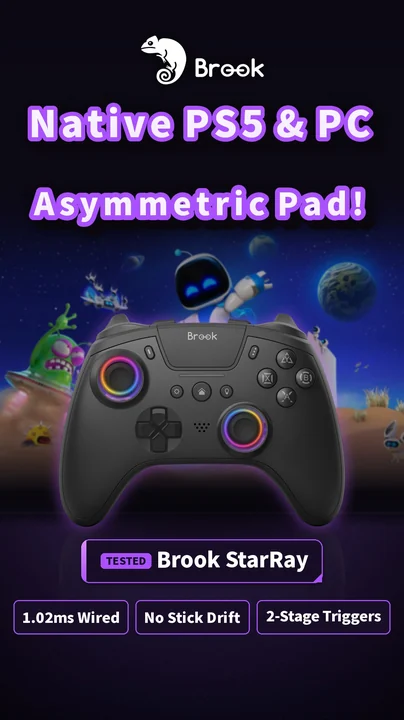
Brook StarRay
The boss fight asks you to mash Y; the StarRay's mechanical buttons have a short 0.7 mm travel, so mashing is easy. Press LB mid-fight to switch characters. 1 ms wired polling latency on PC.
Read the full review →
FAQ
Can you play Awaking Beauty with a controller?
Yes. Steam lists full controller support, including DualSense and DualShock. I played it on PC with a Brook StarRay.
Which controller suits Awaking Beauty?
The boss fight asks you to mash Y, so pick a pad with light, comfortable buttons. I used the Brook StarRay: mechanical buttons with 0.7 mm travel make mashing easy.
Where can I try it?
There's a free demo on Steam, and you can play it at G-EIGHT 2026, booth CC-07, Dec 4–6.
